WordPress E-commerce Optimization: Strategies for Speed, Conversion, and User Experience
Optimizing your WordPress e-commerce site involves several key strategies to enhance performance, user experience, and conversion rates.
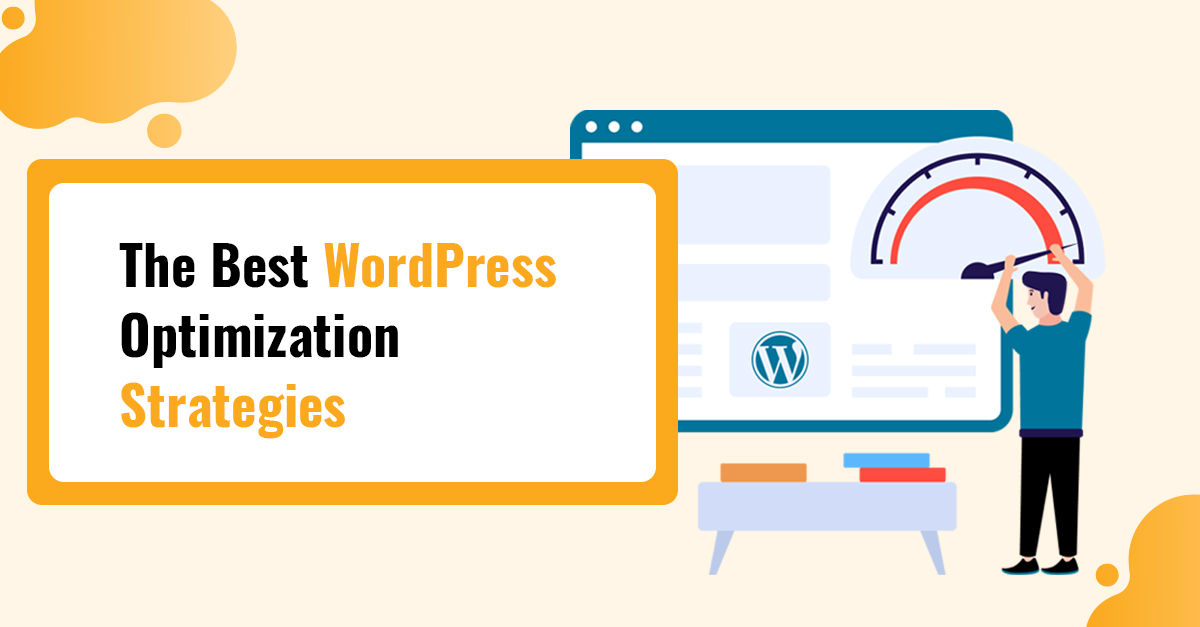
Optimizing your WordPress e-commerce site involves several key strategies to enhance performance, user experience, and conversion rates. Here’s a detailed guide on how to optimize your WordPress e-commerce site:
Optimizing Your WordPress E-commerce Site: Strategies for Performance and Conversion
1. Choose a Fast and Reliable Hosting Provider:
- Performance: Opt for a hosting provider that offers optimized servers for WordPress and e-commerce. Look for features like SSD storage, CDN integration, and caching solutions.
- Reliability: Ensure the hosting provider has robust uptime guarantees and responsive customer support to handle any issues promptly.
2. Use a Lightweight and Responsive Theme:
- Speed: Select a lightweight and well-coded theme optimized for speed. Avoid themes with excessive features and scripts that can slow down your site.
- Responsiveness: Ensure the theme is responsive and mobile-friendly, providing a seamless experience across devices.
3. Optimize Images and Media:
- Compression: Use image compression plugins or tools to reduce file sizes without compromising quality. This improves page load times.
- Lazy Loading: Implement lazy loading for images and videos to defer loading until they are visible on the user's screen, reducing initial page load times.
4. Implement Caching:
- Plugin Integration: Install and configure a caching plugin (e.g., WP Super Cache, W3 Total Cache) to generate static HTML files of your pages. This speeds up load times for returning visitors.
- Browser Caching: Enable browser caching to store static resources locally on users' devices, reducing server load and improving site performance.
5. Optimize Website Structure and Navigation:
- Clear Navigation: Ensure intuitive navigation with clear categories, menus, and search functionality to help users find products easily.
- SEO Best Practices: Implement SEO-friendly URLs, optimize meta tags, and use breadcrumbs to improve navigation and search engine visibility.
6. Secure Your Website:
- SSL Certificate: Install an SSL certificate to secure customer data and transactions, boosting trust and protecting against security threats.
- Regular Updates: Keep WordPress, themes, and plugins updated to patch security vulnerabilities and ensure compatibility with the latest technologies.
7. Streamline Checkout Process:
- Minimize Steps: Simplify the checkout process with minimal form fields and distractions to reduce cart abandonment rates.
- Guest Checkout: Offer guest checkout options to streamline the buying process for first-time customers who prefer not to create an account.
8. Monitor and Analyze Performance:
- Performance Metrics: Use tools like Google Analytics to monitor site performance metrics such as page load times, bounce rates, and conversion rates.
- A/B Testing: Conduct A/B testing of different elements (e.g., CTAs, product pages) to identify and implement improvements that increase conversions.
9. Mobile Optimization:
- Responsive Design: Ensure your e-commerce site is fully responsive and optimized for mobile devices, providing a seamless shopping experience on smartphones and tablets.
- Mobile Speed: Test and optimize mobile page speed using tools like Google PageSpeed Insights to improve mobile performance.
10. Provide Excellent Customer Support:
- Live Chat: Implement live chat support to address customer queries and concerns promptly during the buying process.
- FAQs and Help Center: Create a comprehensive FAQ section and help center to provide self-service options and reduce customer support inquiries.
Conclusion: By implementing these optimization strategies, you can enhance the performance, user experience, and conversion rates of your WordPress e-commerce site. Regularly monitor and fine-tune your site based on analytics and user feedback to ensure continued success in a competitive online market.
Share this article
Get More Insights
Subscribe to our newsletter for weekly cloud tips.
Related Articles
View All →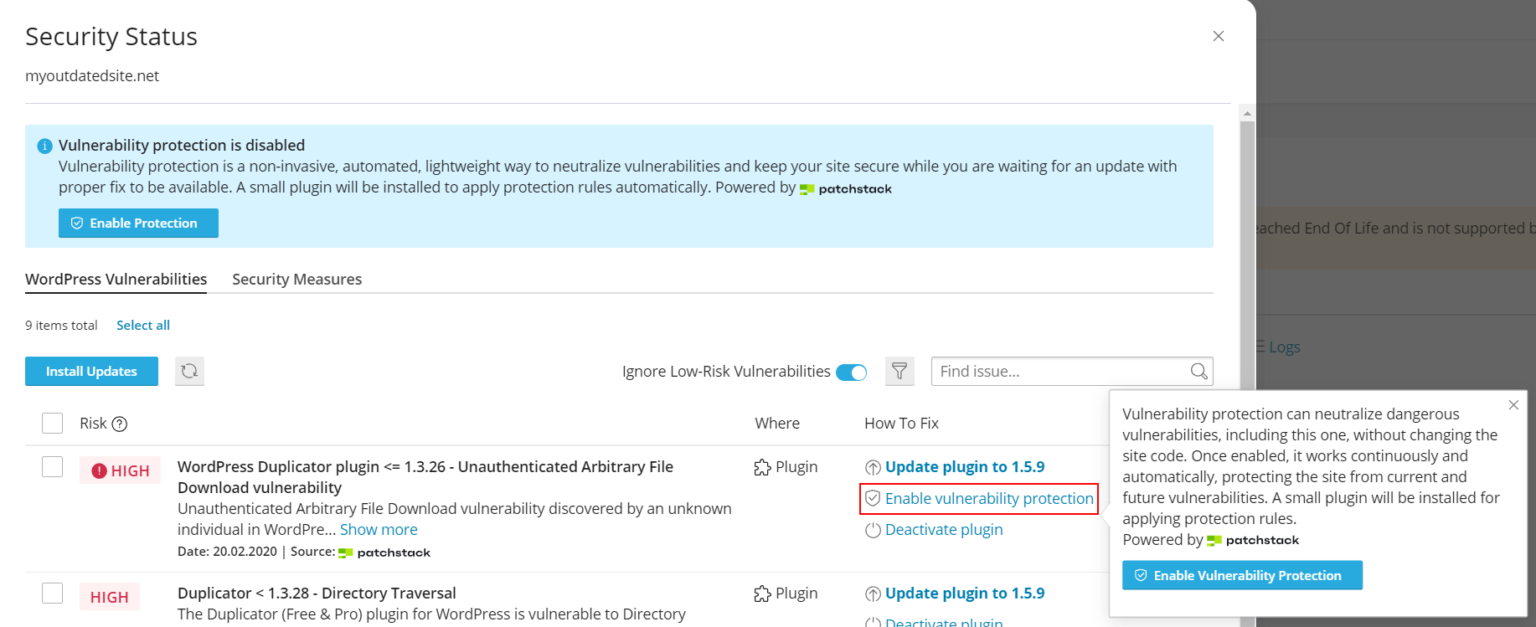
WP Toolkit v6.4: Enhanced WordPress Security with Patchstack Integration
With the latest release of WP Toolkit v6.4, website administrators and developers now have access to an even more robust suite of tools designed to safeguard their sites against vulnerabilities.
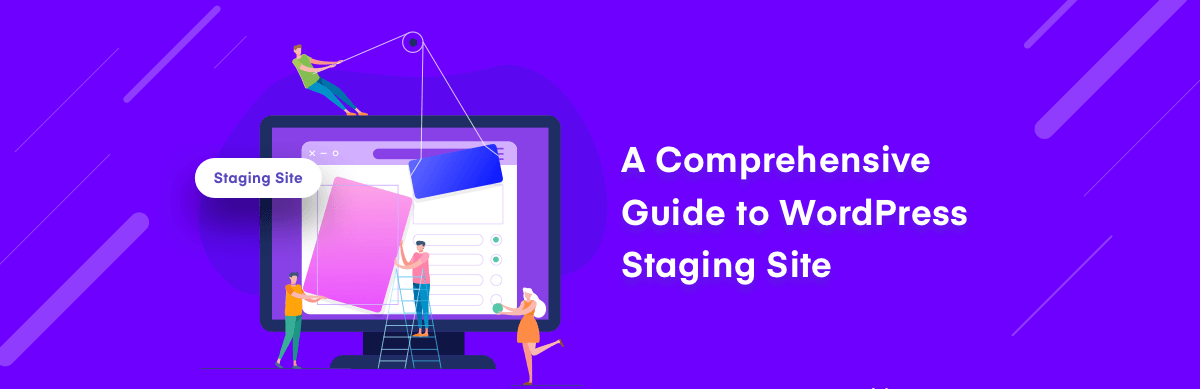
Mastering WordPress Staging and Toolkit: A Comprehensive Guide for Secure Site Management
WordPress Staging is a copy of your live website where you can test new plugins, themes, or updates without affecting the actual site.
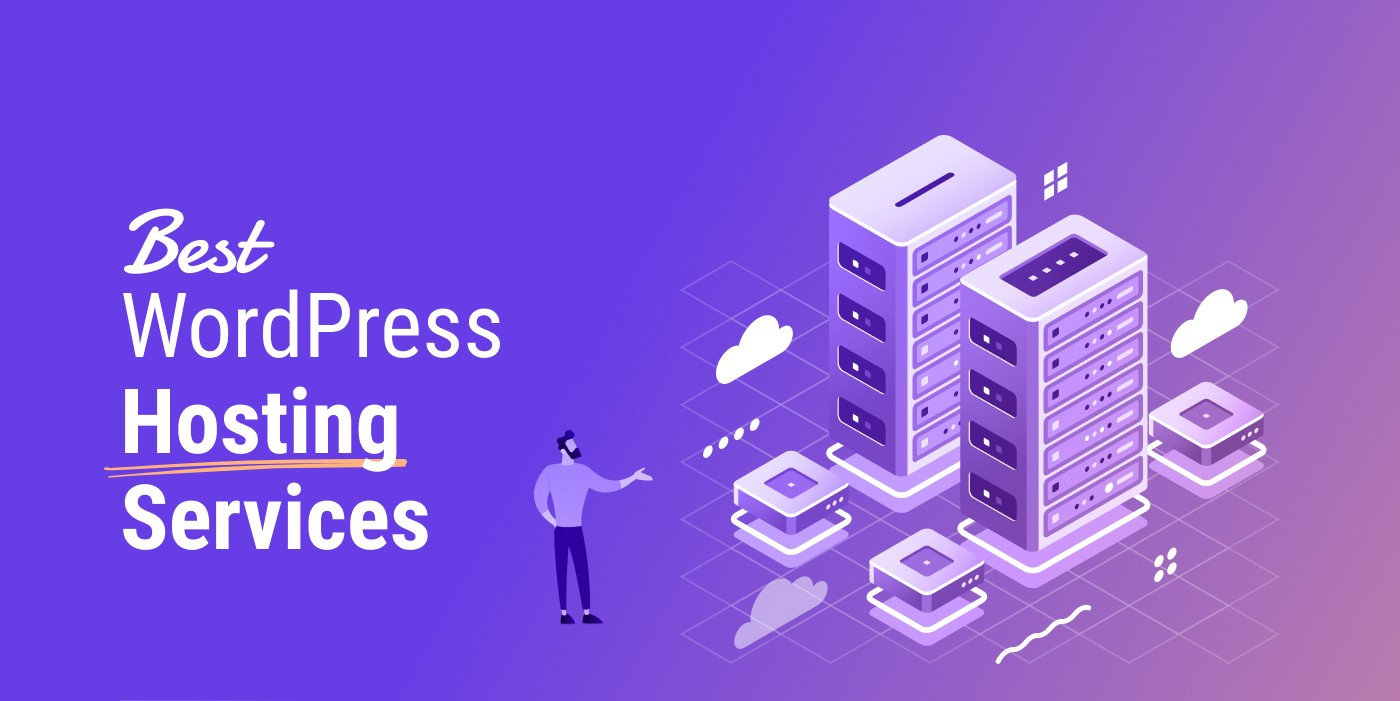
Unveiling the Best in WordPress Hosting: Powering Your WordPress Journey
WordPress hosting refers to web hosting services specifically optimized and tailored for hosting WordPress websites
Ready to optimize your hosting?
Explore our enterprise-grade hosting plans designed for speed, security, and scale.