WP Toolkit v6.4: Enhanced WordPress Security with Patchstack Integration
With the latest release of WP Toolkit v6.4, website administrators and developers now have access to an even more robust suite of tools designed to safeguard their sites against vulnerabilities.
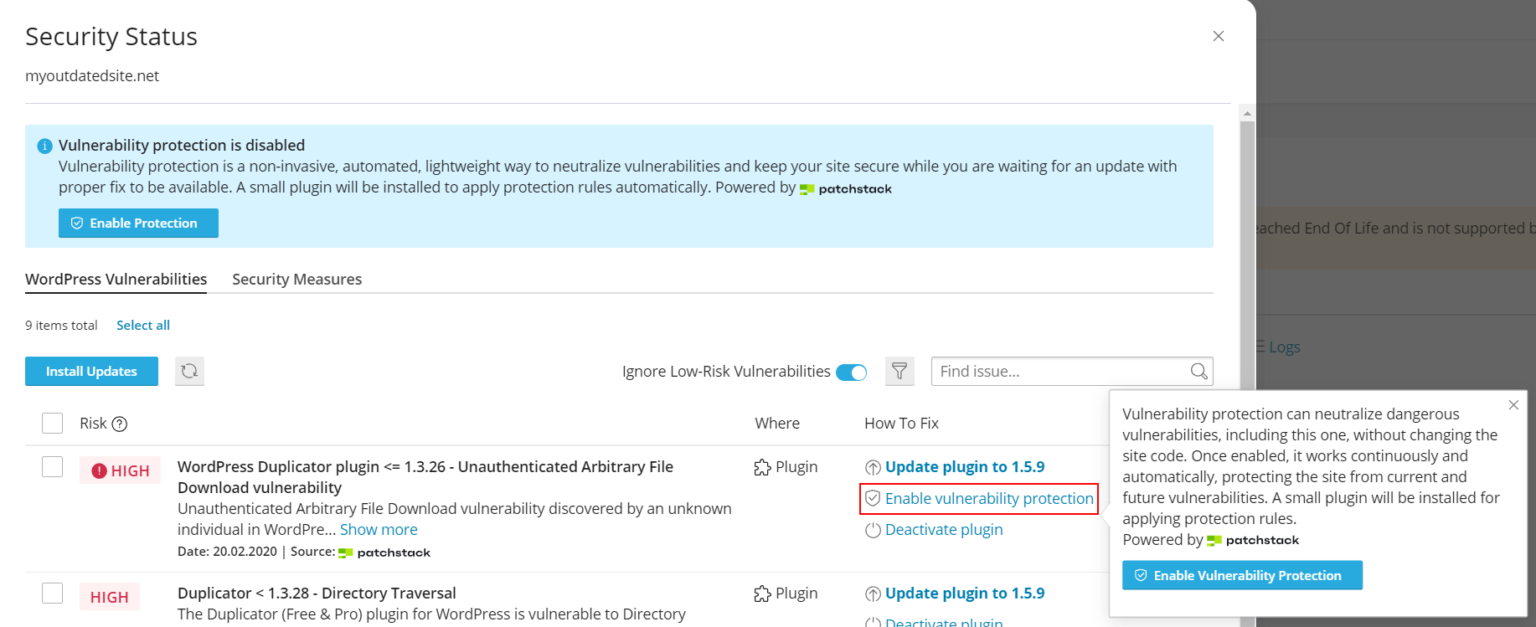
In the ever-evolving landscape of web hosting and WordPress management, security remains a top priority. With the latest release of WP Toolkit v6.4, website administrators and developers now have access to an even more robust suite of tools designed to safeguard their sites against vulnerabilities. This new version introduces an exciting feature: Patchstack integration, a powerful addition aimed at enhancing vulnerability protection.
What is WP Toolkit v6.4?
WP Toolkit v6.4 is the latest iteration of the popular management tool for WordPress sites. Known for its comprehensive features that streamline the management, optimization, and security of WordPress installations, WP Toolkit continues to set the standard for excellence in web hosting.
Key Features of WP Toolkit v6.4
-
Seamless Patchstack Integration:
- The centerpiece of WP Toolkit v6.4 is its integration with Patchstack, a leading security platform renowned for its vulnerability intelligence and patch management capabilities. This integration brings advanced security features directly into the WP Toolkit interface, allowing users to identify and address vulnerabilities more efficiently.
-
Real-Time Vulnerability Detection:
- With Patchstack’s technology, WP Toolkit v6.4 provides real-time scanning and detection of known vulnerabilities. This proactive approach ensures that your WordPress sites are continuously monitored for potential security threats, helping prevent exploits before they can impact your site.
-
Automated Patch Management:
- WP Toolkit v6.4 leverages Patchstack’s automated patch management system, which simplifies the process of applying security updates. This feature minimizes the risk of outdated plugins or themes being exploited, as updates are applied promptly and efficiently.
-
Comprehensive Security Reports:
- The integration includes detailed security reports that provide insights into the vulnerability status of your WordPress sites. These reports help administrators understand potential risks and make informed decisions about necessary actions.
-
Enhanced User Experience:
- The user interface in WP Toolkit v6.4 has been refined to offer a more intuitive experience. The new security features are seamlessly integrated into the existing dashboard, making it easier for users to manage and monitor their site’s security without additional complexity.
Why is Vulnerability Protection Important?
In today’s digital environment, vulnerabilities in WordPress sites can lead to significant security breaches, including data theft, site defacement, or malware infections. Regular updates and patches are critical in protecting sites from such threats. WP Toolkit v6.4’s integration with Patchstack addresses these concerns by offering an advanced solution for vulnerability detection and patch management.
How to Get Started
Existing WP Toolkit users can upgrade to version 6.4 through their hosting control panel. New users can explore the benefits of WP Toolkit v6.4 by contacting their web hosting provider or visiting the official WP Toolkit website. With the addition of Patchstack’s powerful security features, WP Toolkit v6.4 is poised to enhance the safety and reliability of WordPress site management.
Conclusion
WP Toolkit v6.4 marks a significant advancement in WordPress site security with the integration of Patchstack. By offering real-time vulnerability detection, automated patch management, and comprehensive security reporting, WP Toolkit v6.4 empowers website administrators to better protect their sites against emerging threats. Embrace the future of WordPress security and experience peace of mind with WP Toolkit v6.4.
Table of Contents
Share this article
Get More Insights
Subscribe to our newsletter for weekly cloud tips.
Related Articles
View All →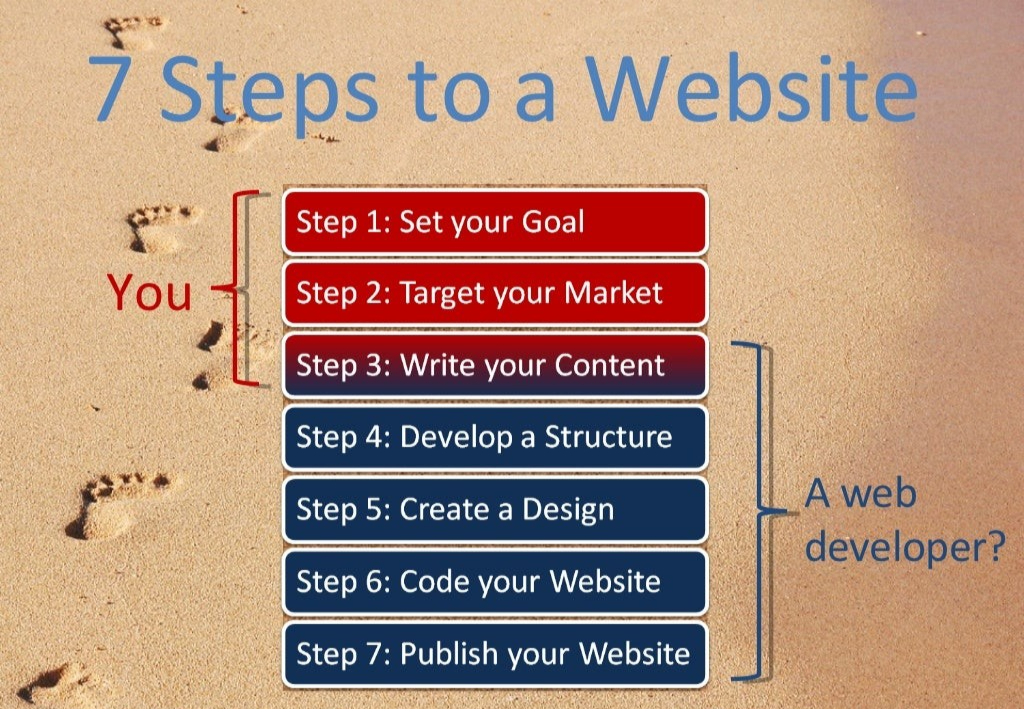
How to Get Your Website and Web Hosting Done: A Step-by-Step Guide
Creating a website and getting it hosted may seem daunting if you’re new to the process, but it’s easier than you think. This guide will walk you through the steps to get your website up and running, from choosing a hosting provider to launching your site.
Mastering WordPress Staging and Toolkit: A Comprehensive Guide for Secure Site Management
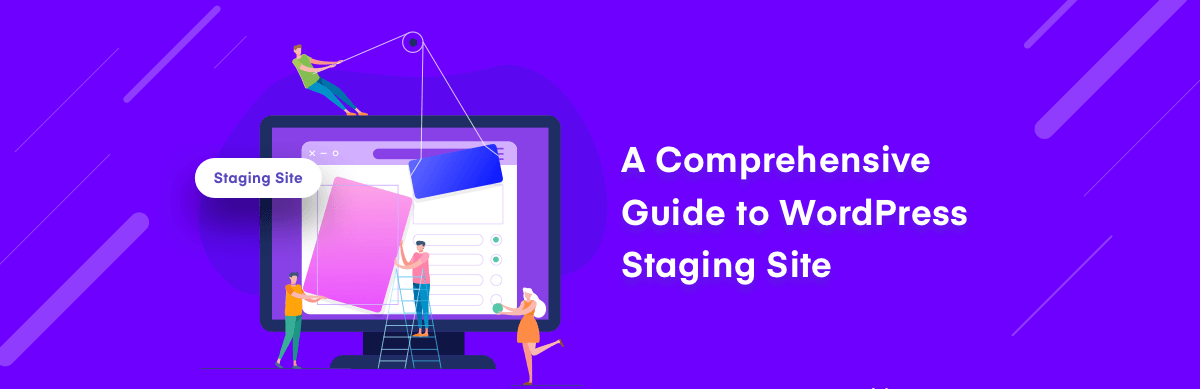
WordPress Staging is a copy of your live website where you can test new plugins, themes, or updates without affecting the actual site.
How to Speed Up Your WordPress Website: Essential Tips and Techniques
A fast-loading WordPress website is crucial for providing a positive user experience, improving search engine rankings, and boosting conversion rates. Slow websites can lead to high bounce rates and lost opportunities.
Ready to optimize your hosting?
Explore our enterprise-grade hosting plans designed for speed, security, and scale.