Essential Website Security Checklist: Steps to Protect Your Site
website security is crucial for protecting sensitive data, maintaining user trust, and ensuring smooth operation. Cyber threats are ever-evolving, making it essential for website owners to regularly assess and enhance their security measures.
Introduction
In today’s digital landscape, website security is crucial for protecting sensitive data, maintaining user trust, and ensuring smooth operation. Cyber threats are ever-evolving, making it essential for website owners to regularly assess and enhance their security measures. This article provides a comprehensive website security checklist to help you secure your site against potential threats.
1. Use HTTPS
- SSL Certificate: Ensure your website uses HTTPS by installing an SSL certificate. This encrypts data transmitted between users and your server, protecting sensitive information.
2. Keep Software Updated
- CMS and Plugins: Regularly update your content management system (CMS), plugins, and themes to patch vulnerabilities and improve security.
- Automatic Updates: Enable automatic updates where possible to ensure you’re always running the latest versions.
3. Strong Password Policies
- Complex Passwords: Use strong, unique passwords for all accounts associated with your website, including admin, FTP, and database accounts.
- Password Managers: Consider using a password manager to generate and store complex passwords securely.
4. Implement Two-Factor Authentication (2FA)
- Extra Layer of Security: Enable 2FA for your website’s admin login to add an additional layer of security, requiring a second form of identification beyond just a password.
5. Regular Backups
- Automated Backups: Schedule regular automated backups of your website data and files to ensure you can quickly restore your site in case of a breach or data loss.
- Backup Storage: Store backups in multiple locations, such as cloud storage and local drives, for added security.
6. Secure Your Hosting Environment
- Choose Reputable Hosting: Select a hosting provider with a strong security reputation and features such as firewalls, malware scanning, and DDoS protection.
- Server Security: Ensure your server is configured securely, with unnecessary services disabled and regular security audits conducted.
7. Install a Web Application Firewall (WAF)
- Filter Traffic: Use a WAF to monitor and filter incoming traffic to your website, blocking malicious requests and protecting against common threats like SQL injection and cross-site scripting (XSS).
8. Limit User Access
- User Roles: Assign appropriate user roles and permissions to limit access to sensitive areas of your website.
- Remove Inactive Users: Regularly review user accounts and remove any inactive or unnecessary accounts to reduce potential vulnerabilities.
9. Monitor Website Activity
- Security Logs: Enable logging to monitor user activity, login attempts, and changes made to your site. This helps identify suspicious behavior early on.
- Intrusion Detection Systems: Consider implementing intrusion detection systems (IDS) to alert you of potential security breaches.
10. Conduct Regular Security Audits
- Vulnerability Scanning: Regularly conduct security audits and vulnerability scans to identify potential weaknesses in your website’s security.
- Penetration Testing: Hire security professionals to perform penetration testing, simulating attacks to uncover vulnerabilities before they can be exploited.
Conclusion
Maintaining a secure website requires ongoing effort and vigilance. By following this website security checklist, you can significantly reduce the risk of cyber threats and protect your website and users. Regularly review and update your security measures to adapt to new challenges and ensure your website remains a safe space for all visitors.
Table of Contents
Share this article
Get More Insights
Subscribe to our newsletter for weekly cloud tips.
Related Articles
View All →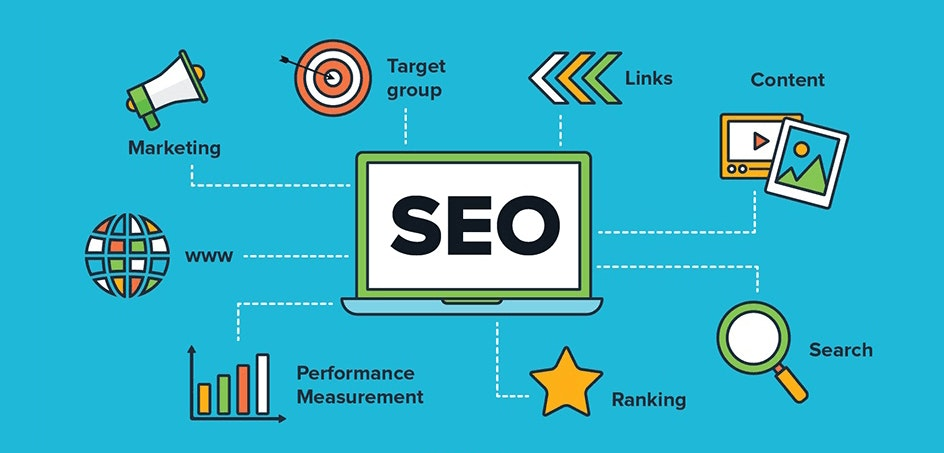
Mastering the Art of SEO: Elevate Your Online Presence
SEO, or Search Engine Optimization, is the practice of improving a website's visibility and ranking in search engine results pages (SERPs) to attract organic (non-paid) traffic.
The Ultimate Guide to WordPress Hosting: Everything You Need to Know
WordPress hosting is a type of web hosting specifically optimized to run WordPress websites. It includes features and services tailored to enhance the performance, security, and management of WordPress sites. While you can run WordPress on various types of hosting, dedicated WordPress hosting offers the best experience.
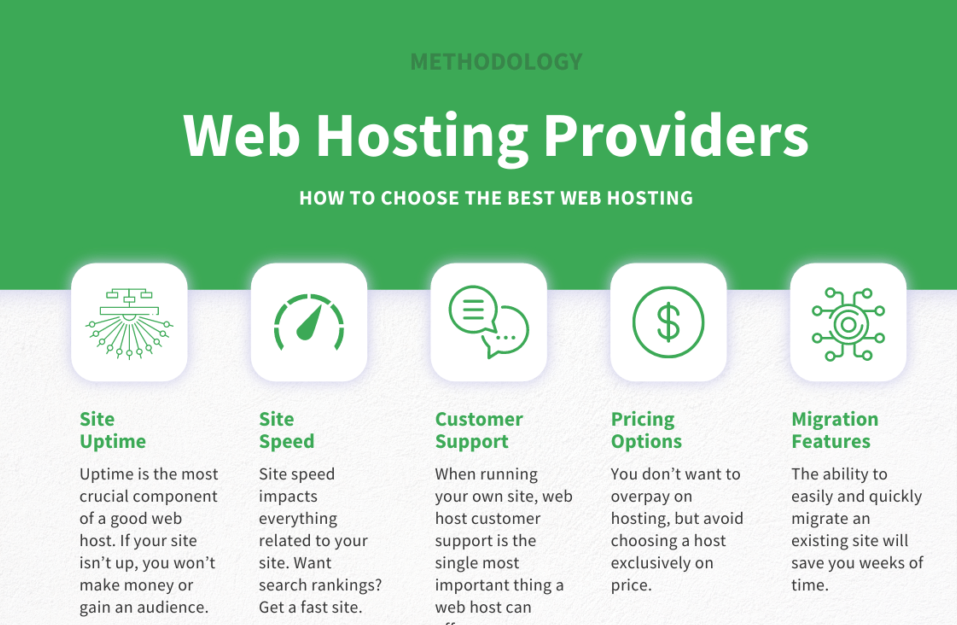
Top Reasons to Choose Our Web Hosting Company for Reliable and Secure Website Performance
At Tbx Host we are at your door step to deliver, it's important to highlight the unique features, benefits, and value propositions that set you apart from the competition.
Ready to optimize your hosting?
Explore our enterprise-grade hosting plans designed for speed, security, and scale.