Domain Expiration Errors: How Lapsed Registrations Cripple Your Business and Strategies to Avoid
A lapsed domain registration can shut down websites, disrupt emails, and damage brand reputation. Learn why domains expire, the risks of downtime and cybersquatting, and actionable steps to automate renewals, monitor deadlines, and recover expired domains. Protect your online presence now.
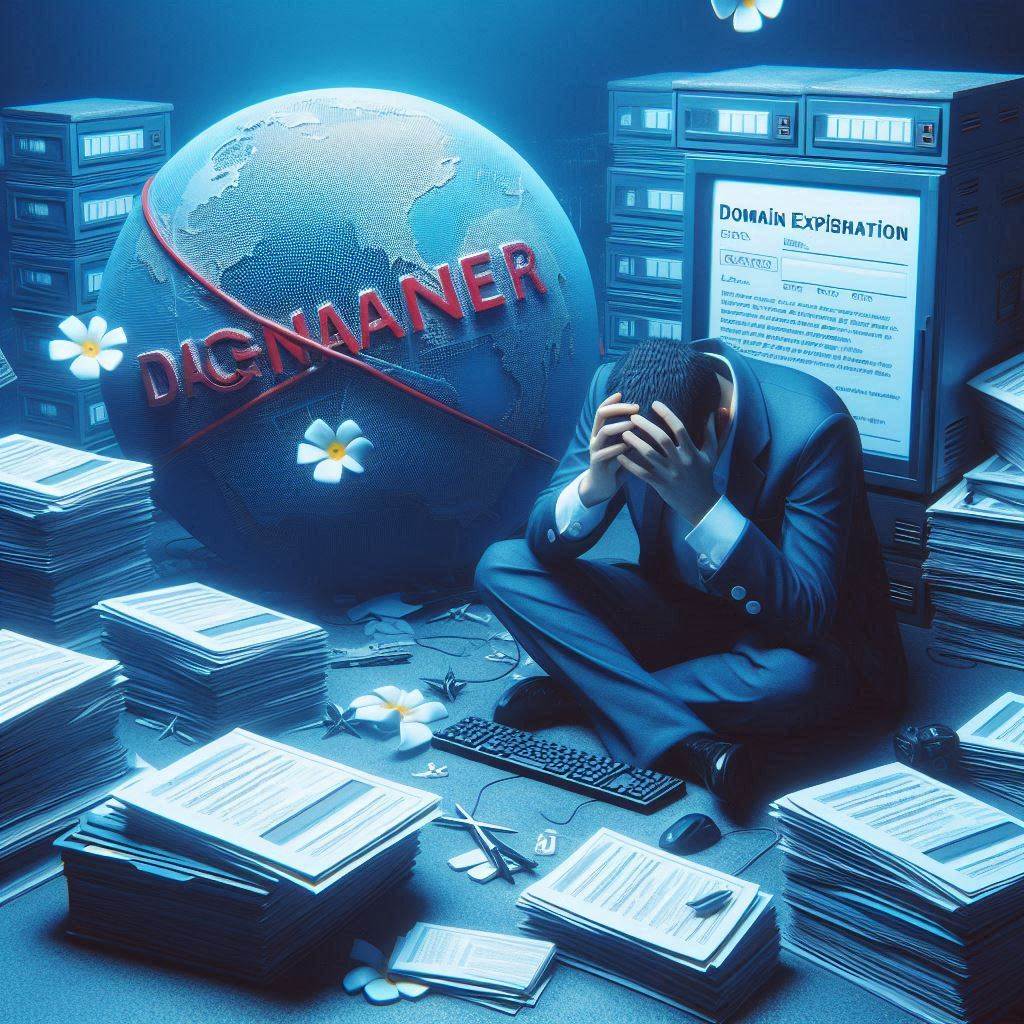
Your domain name is the cornerstone of your online identity. When a lapsed domain registration occurs due to oversight, payment failures, or technical glitches, your website, emails, and digital services grind to a halt. Domain expiration errors often lead to costly downtime, lost revenue, and even permanent loss of your domain to cybersquatters. This guide unpacks the causes, consequences, and prevention strategies to safeguard your business from domain downtime and reputational damage.
Understanding Domain Expiration and Renewal Cycles
Domains are leased, not owned. Registrars allow a grace period (typically 30–45 days post-expiration) to renew, followed by a redemption period (30 days) where recovery is possible but costly. After that, domains enter public auction or deletion. Key terms include auto-renewal domains, which automatically extend registration before expiration, and redemption fees, penalties of up to $250 to recover expired domains. DNS propagation delays can also slow service reactivation post-renewal.
Common Causes of Lapsed Domain Registrations
-
Overlooked Renewal Notices
-
Expired credit cards or outdated contact details prevent renewal reminders from reaching owners.
-
-
Registrar Account Compromise
-
Hackers disable auto-renewal domains or transfer them maliciously.
-
-
Billing Disputes
-
Failed payments due to currency issues or payment gateway errors.
-
-
Registrar Negligence
-
Poor communication or system failures at budget registrars contribute to domain expiration errors.
-
Consequences of Domain Expiration
1. Immediate Downtime
-
Websites and email services become inaccessible, costing e-commerce sites thousands per minute in lost sales. Broken links harm SEO rankings, eroding years of optimization efforts.
2. Brand Hijacking
-
Cybersquatters snatch expired domains to host phishing sites, sell counterfeit goods, or extort owners for high redemption fees.
3. Data and Reputation Loss
-
Customers lose trust in brands that “disappear” overnight. Recovery campaigns cost five times more than proactive domain renewal.
How to Prevent Domain Expiration Errors
1. Enable Auto-Renewal
-
Most registrars (e.g., GoDaddy, Namecheap) offer auto-renewal domains. Pair it with a valid payment method and monitor expiration dates via calendar alerts.
2. Use Domain Monitoring Tools
-
Platforms like DomainTools or WhoisXML API track expiration dates, DNS changes, and ownership status across portfolios to avoid lapsed domain registration.
3. Consolidate Domains
-
Manage all domains under one ICANN-accredited registrar to streamline renewals and reduce risks.
4. Lock Your Domain
-
Enable registrar lock to prevent unauthorized transfers during renewal gaps.
Recovering an Expired Domain
-
Act During the Grace Period
-
Renew normally with no added fees and update DNS records to restore services.
-
-
Pay Redemption Fees
-
Contact your registrar immediately during the redemption phase, though costs may spike.
-
-
Bid in Auctions
-
Use domain auction platforms like DropCatch or SnapNames to reclaim domains post-deletion.
-
Caution: Verify domain history to avoid penalties if a hijacker misused it.
Case Studies: The High Cost of Lapsed Domains
-
Microsoft’s $7.5M Mistake
-
Forgetting to renew Hotmail.co.uk led to a legal battle and hefty domain recovery costs.
-
-
Small Business Collapse
-
A bakery’s expired domain was auctioned, erasing 10 years of SEO and customer loyalty.
-
Choosing a Reliable Domain Registrar
-
ICANN-Accredited Registrars: Ensure compliance with global standards and avoid hidden fees.
-
24/7 Support: Critical for urgent renewal or domain recovery.
-
Free WHOIS Privacy: Protects contact details from spam or scams.
Table of Contents
Share this article
Get More Insights
Subscribe to our newsletter for weekly cloud tips.
Related Articles
View All →
Welcome to TBX HOST Customer Support
At Tbx Host, we are dedicated to providing exceptional support to ensure your web hosting experience is seamless and successful.
Essential Website Security Checklist: Steps to Protect Your Site
website security is crucial for protecting sensitive data, maintaining user trust, and ensuring smooth operation. Cyber threats are ever-evolving, making it essential for website owners to regularly assess and enhance their security measures.

How to improve customer outreach and conversion
Attracting customers involves implementing various marketing strategies and tactics to create awareness, generate interest, and ultimately drive engagement and conversions. Here are some effective ways to attract customers to your business
Ready to optimize your hosting?
Explore our enterprise-grade hosting plans designed for speed, security, and scale.