Step-by-Step Guide: How to Create a Business Logo
Creating a business logo involves several key steps to ensure that it effectively represents your brand and resonates with your target audience
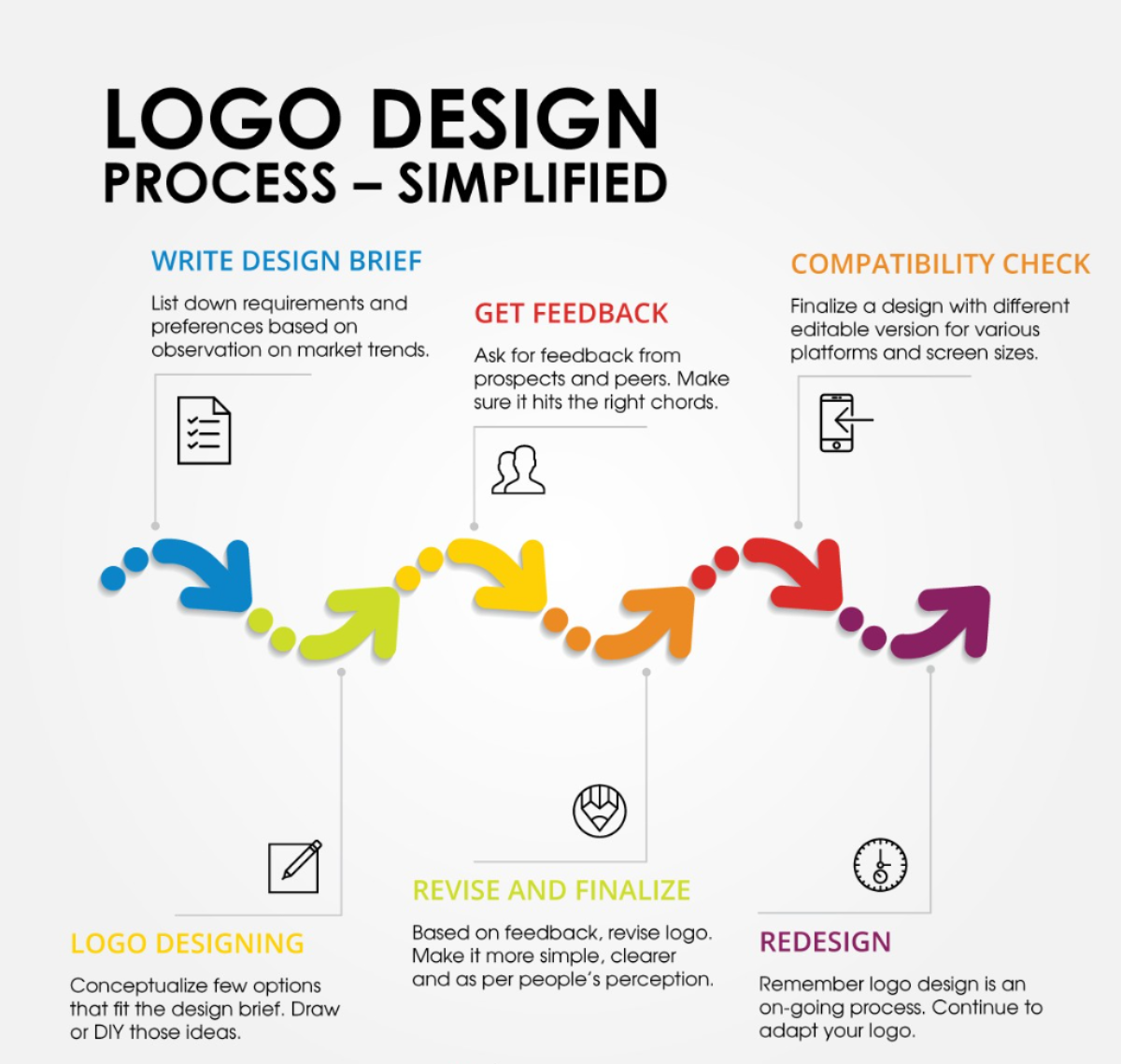
Creating a business logo involves several key steps to ensure that it effectively represents your brand and resonates with your target audience. Here’s a step-by-step guide on how to create a compelling business logo:
- Understand Your Brand
- Define Your Brand Identity: Know your company’s mission, values, target audience, and what sets you apart from competitors.
- Determine the Logo's Purpose: Decide where the logo will be used (website, business cards, social media, etc.) and ensure it’s versatile for different formats.
- Research and Inspiration
- Market Research: Look at competitors and industry trends to understand what works and what doesn’t.
- Gather Inspiration: Use platforms like Pinterest, Behance, and Dribbble to find inspiration and note down elements you like.
- Choose a Logo Type
- Types of Logos:
- Wordmark: Text-based, focusing on the business name.
- Lettermark: Initials or abbreviations of the company name.
- Iconic: Symbols or icons that represent the brand.
- Combination Mark: A mix of text and icon.
- Emblem: Text inside a symbol or icon, often resembling a badge or seal.
- Select Colors and Fonts
- Colors: Choose a color scheme that aligns with your brand identity and evokes the right emotions. Use color theory to understand the impact of different colors.
- Fonts: Pick fonts that reflect your brand’s personality. Ensure they are readable and versatile.
- Sketch and Conceptualize
- Brainstorm Ideas: Create rough sketches of different logo ideas.
- Iterate: Develop several concepts and refine them. Experiment with different layouts, icons, and typographic treatments.
- Design the Logo
- Use Design Software: Tools like Adobe Illustrator, CorelDRAW, or online platforms like Canva and Logo Maker can help you create digital versions of your sketches.
- Vector Format: Ensure your logo is designed as a vector graphic to maintain quality at any size.
- Get Feedback
- Gather Opinions: Share your designs with colleagues, friends, or a focus group to get feedback.
- Refine the Design: Use the feedback to make necessary adjustments and improvements.
- Finalize and Test
- Versatility Check: Test the logo in different sizes and on various backgrounds to ensure it’s versatile.
- Black and White Version: Make sure your logo works in black and white as well as in color.
- Simplify: Ensure the logo is not overly complex; simplicity often leads to better recognition and versatility.
- Protect and Use Your Logo
- Trademark: Consider trademarking your logo to protect it legally.
- Brand Guidelines: Create a set of guidelines that dictate how the logo should be used, including color codes, spacing, and dos and don'ts.
Tools and Resources
- Design Software: Adobe Illustrator, CorelDRAW, Affinity Designer.
- Online Logo Makers: Canva, Looka, Tailor Brands, LogoMaker.
- Color Tools: Adobe Color, Coolors.
- Typography Tools: Google Fonts, Adobe Fonts, FontSquirrel.
Example Workflow
- Define: "Our web hosting company is reliable, innovative, and customer-focused."
- Research: Competitors use blue and white, with minimalistic designs.
- Choose: A combination mark with a unique icon and company name.
- Select Colors and Fonts: Blue for trust, green for growth; modern, sans-serif font.
- Sketch: Draw rough concepts of a cloud icon integrating with the company initials.
- Design: Use Illustrator to create a vector logo from the best sketch.
- Feedback: Collect opinions and refine the design based on input.
- Finalize: Ensure it looks good in different sizes and formats; create a black and white version.
- Trademark and Guidelines: Protect the logo legally and create usage guidelines.
By following these steps, you can create a logo that effectively represents your business and appeals to your target audience.
Tags
Table of Contents
Share this article
Get More Insights
Subscribe to our newsletter for weekly cloud tips.
Related Articles
View All →
Best CDN (Content Delivery Network)2024
When comparing Content Delivery Networks (CDNs) in terms of features and performance, it's essential to consider various factors such as network coverage, caching capabilities, security features, scalability, pricing, and customer support

The Art of Website Branding: Crafting Digital Identity
Branding on websites is the strategic process of conveying a consistent brand identity and message across all aspects of a website, including design, content, imagery, and user experience.
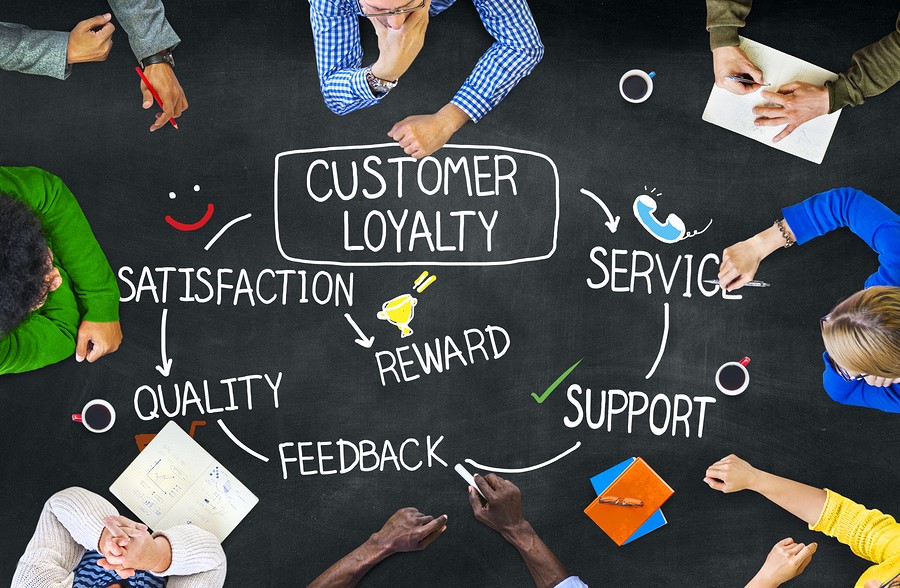
customer satisfaction checklist
Delighting customers goes beyond satisfying their basic needs and expectations; it involves exceeding their expectations, providing exceptional experiences, and building long-term relationships.
Ready to optimize your hosting?
Explore our enterprise-grade hosting plans designed for speed, security, and scale.