How to Use a CDN to Boost Your Website’s Speed and Reliability
A Content Delivery Network (CDN) is a system of distributed servers that deliver web content to users based on their geographic location.
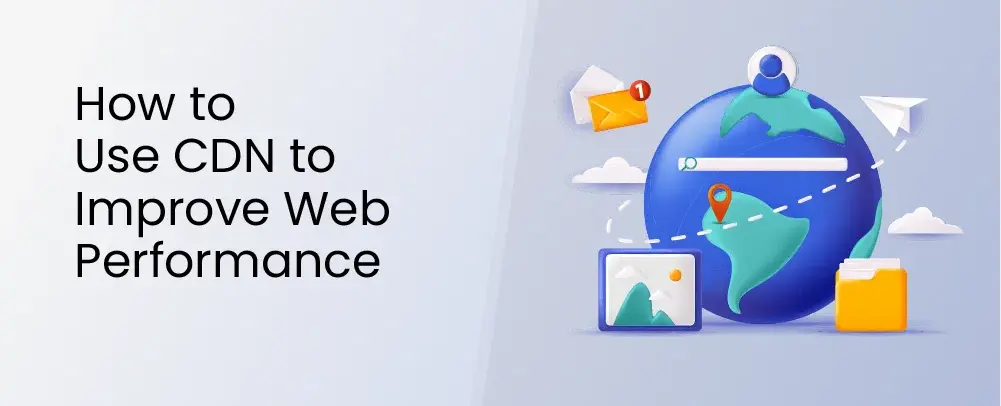
A Content Delivery Network (CDN) is an essential tool for enhancing your website's speed and reliability. By distributing content across multiple servers worldwide, a CDN ensures that your website loads quickly for users, regardless of their location. This article will guide you through understanding, setting up, and optimizing a CDN to improve your website's performance.
What is a CDN?
A Content Delivery Network (CDN) is a system of distributed servers that deliver web content to users based on their geographic location. Instead of serving your website's content from a single server, a CDN stores copies of your files on multiple servers across various locations. This approach minimizes the distance between the server and the user, resulting in faster load times and improved reliability.
Benefits of Using a CDN
-
Improved Website Speed
- Reduced Latency: By serving content from the closest server to the user, a CDN reduces the time it takes for your website to load.
- Optimized Content Delivery: CDNs often use advanced caching strategies and compression techniques to optimize content delivery.
-
Enhanced Reliability
- Redundancy: With multiple servers, a CDN can handle server outages by rerouting traffic to the nearest available server.
- Load Balancing: CDNs distribute traffic evenly across servers, preventing any single server from becoming overloaded.
-
Better User Experience
- Consistent Performance: Users experience consistent website performance, regardless of their location.
- Higher Availability: CDNs improve the availability of your website, ensuring that it remains accessible even during high traffic periods.
-
SEO Benefits
- Faster Load Times: Google and other search engines favor faster websites, potentially improving your search engine rankings.
- Lower Bounce Rates: Faster websites reduce bounce rates, as users are less likely to leave a site that loads quickly.
How to Set Up a CDN for Your Website
-
Choose a CDN Provider
- Popular CDN Providers: Some well-known CDN providers include Cloudflare, Akamai, Amazon CloudFront, and Fastly.
- Compare Features and Pricing: Evaluate features such as caching strategies, security options, and pricing plans to choose the best provider for your needs.
-
Sign Up and Configure Your CDN
- Create an Account: Sign up for an account with your chosen CDN provider.
- Configure Settings: Follow the provider's instructions to configure your CDN settings. This may include setting up caching rules, enabling compression, and configuring security features.
-
Update DNS Settings
- Point DNS to CDN: Update your domain's DNS settings to point to the CDN. This typically involves changing your DNS records to use the CDN’s nameservers.
- Propagation Time: Allow time for DNS changes to propagate, which can take up to 48 hours.
-
Integrate CDN with Your Website
- CMS Integration: If you’re using a CMS like WordPress, install a plugin to integrate the CDN with your site. Plugins like W3 Total Cache or WP Super Cache can help with this.
- Manual Integration: For custom websites, update your website’s code to serve static content (like images, CSS, and JavaScript files) through the CDN.
Optimizing CDN Performance
-
Enable Compression
- Gzip Compression: Enable Gzip compression on your CDN to reduce the size of your files and speed up delivery.
- Brotli Compression: Some CDNs offer Brotli compression, which can be more efficient than Gzip.
-
Use HTTP/2
- HTTP/2 Support: Ensure your CDN supports HTTP/2, which improves performance by allowing multiple simultaneous requests over a single connection.
-
Optimize Caching
- Cache-Control Headers: Set appropriate cache-control headers to define how long content should be cached.
- Purge Cache: Regularly purge outdated content from the cache to ensure users receive the latest version of your website.
-
Implement Security Features
- SSL/TLS Encryption: Enable SSL/TLS encryption to secure data transfer between your server and users.
- DDoS Protection: Use your CDN’s DDoS protection features to safeguard your website from attacks.
-
Monitor CDN Performance
- Analytics and Reporting: Use your CDN’s analytics and reporting tools to monitor performance and identify areas for improvement.
- Regular Audits: Conduct regular audits of your CDN settings and performance to ensure optimal functionality.
Conclusion
Using a CDN is a powerful way to boost your website’s speed and reliability, ensuring a better experience for your users and improving your SEO. By choosing the right CDN provider, configuring your settings correctly, and optimizing performance, you can significantly enhance your website’s performance and availability. Regular monitoring and adjustments will help maintain these improvements over time.
Table of Contents
Share this article
Get More Insights
Subscribe to our newsletter for weekly cloud tips.
Related Articles
View All →
How to Use FTP to Upload and Manage Website Files in a Web Hosting Company
File Transfer Protocol (FTP) is an essential tool for web hosting, allowing you to upload and manage website files efficiently.
How to improve your website load speed
Improving website speed is essential for providing a positive user experience, reducing bounce rates, and improving search engine rankings. Here are some essential factors to consider for optimizing website speed:

customer satisfaction checklist
Delighting customers goes beyond satisfying their basic needs and expectations; it involves exceeding their expectations, providing exceptional experiences, and building long-term relationships.
Ready to optimize your hosting?
Explore our enterprise-grade hosting plans designed for speed, security, and scale.