Fortifying Online Assets: Essential Website Security Practices
Addressing website security practices on web hosting is crucial to protect websites from various online threats and vulnerabilities.
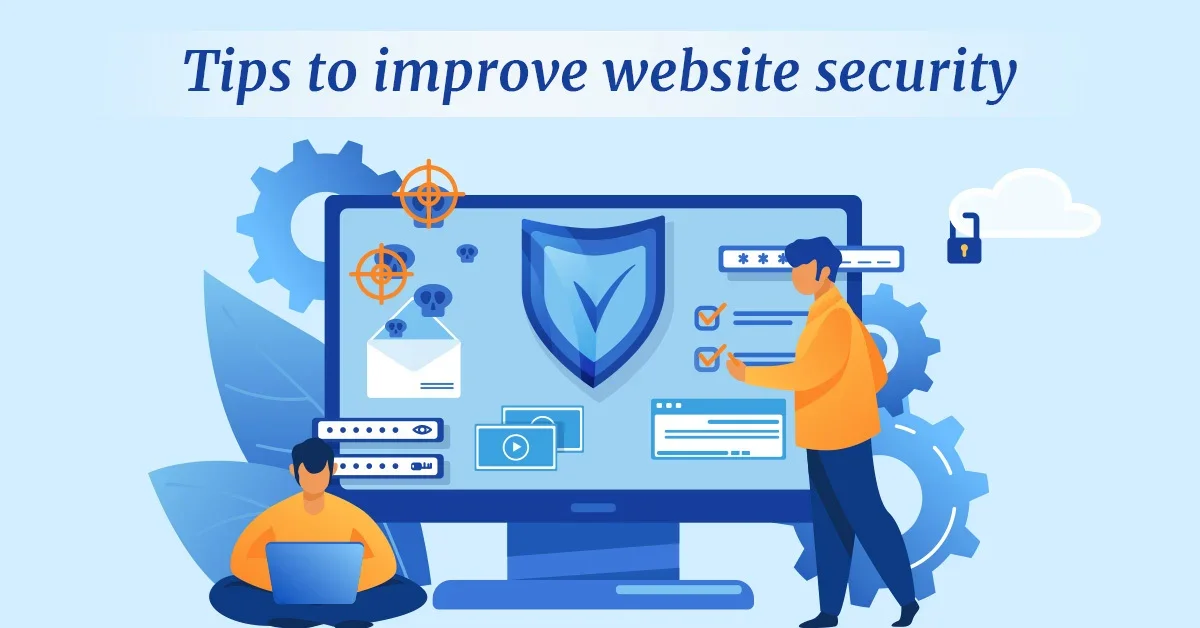
Addressing website security practices on web hosting is crucial to protect websites from various online threats and vulnerabilities. Here are some key website security practices that web hosting providers and website owners should implement:
1. SSL/TLS Encryption: Encourage website owners to install SSL (Secure Sockets Layer) or TLS (Transport Layer Security) certificates to encrypt data transmitted between the web server and visitors' browsers. SSL/TLS encryption helps prevent eavesdropping, data theft, and man-in-the-middle attacks.
2. Regular Software Updates: Emphasize the importance of keeping all software, including the operating system, web server software (e.g., Apache, Nginx), CMS platforms (e.g., WordPress, Joomla), plugins, and themes, up to date. Regular software updates patch security vulnerabilities and protect against known exploits.
3. Strong Password Policies: Encourage website owners to use strong, unique passwords for their accounts, including the hosting control panel, FTP/SFTP, CMS admin, and database. Implement password complexity requirements and encourage the use of password managers to generate and store secure passwords.
4. Web Application Firewalls (WAF): Offer web application firewall (WAF) solutions to protect websites from common web-based attacks such as SQL injection, cross-site scripting (XSS), and cross-site request forgery (CSRF). WAFs analyze incoming traffic and filter out malicious requests before they reach the web server.
5. Malware Scanning and Removal: Provide malware scanning tools and services to regularly scan website files and databases for malicious code, malware infections, and suspicious activities. Offer automated malware removal tools or manual cleanup services to remove detected threats.
6. Backup and Restore: Encourage website owners to perform regular backups of their website files, databases, and configuration settings. Offer automated backup solutions with customizable backup schedules and retention policies. Provide easy-to-use restore options in case of data loss or website compromise.
7. Access Control Measures: Implement access control measures to restrict unauthorized access to website files, directories, and administrative interfaces. Encourage website owners to limit file permissions, disable directory indexing, and use secure protocols for remote access (e.g., SSH/SFTP).
8. File Integrity Monitoring: Offer file integrity monitoring (FIM) solutions to detect unauthorized changes to website files and directories. FIM tools compare file checksums or signatures against known good values and alert website owners to any discrepancies or unauthorized modifications.
9. Security Audits and Vulnerability Scanning: Conduct regular security audits and vulnerability scans to identify and address potential security weaknesses in the web hosting environment. Offer automated scanning tools or manual security assessments to help website owners identify and remediate security vulnerabilities.
10. DDoS Protection: Provide distributed denial-of-service (DDoS) protection services to mitigate the impact of DDoS attacks on websites. DDoS protection solutions help detect and filter out malicious traffic during DDoS attacks, ensuring uninterrupted availability and performance of websites.
11. Security Education and Awareness: Educate website owners about common security threats, attack vectors, and best practices for securing their websites. Provide security awareness training, resources, and guides to help website owners improve their security posture and reduce the risk of compromise.
By implementing these website security practices on web hosting platforms and educating website owners about the importance of security, web hosting providers can help protect websites from a wide range of threats and vulnerabilities, safeguarding the integrity, confidentiality, and availability of their online assets.
Share this article
Get More Insights
Subscribe to our newsletter for weekly cloud tips.
Related Articles
View All →
The Power of Branded Email Addresses: Elevate Your Brand
Branded email addresses offer several benefits for businesses and professionals, enhancing credibility, professionalism, and brand recognition

Seamless Integration: Connecting Plesk with Cloud Services for Enhanced Hosting
Integrating Plesk with cloud services can transform the way you manage web hosting environments, offering scalability, flexibility, and enhanced performance.
Mastering Domain Management: A Comprehensive Guide
Domain management is a fundamental aspect of establishing and maintaining an online presence. From registering domain names to configuring DNS settings and managing renewals, effective domain management ensures the smooth operation and security of your website
Ready to optimize your hosting?
Explore our enterprise-grade hosting plans designed for speed, security, and scale.